Many messaging app users wonder if they can check who inspects their profile details, looks at their avatar photo, or opens their contact sheet. Curiosities about digital privacy lead millions of smartphone owners to search for hidden visitor logs, tracking tools, and account monitoring features inside WhatsApp.
WhatsApp relies on client-side privacy design and strict data minimization principles. Understanding what happens behind the scenes when someone taps your contact card helps clear up persistent myths while keeping your mobile device safe from malicious tracking scams.
WhatsApp does not provide any native feature, history log, or notification system to show who viewed your profile, opened your contact details, or zoomed in on your profile photo. WhatsApp servers do not record profile page request events, ensuring complete anonymity for viewers. Apps that promise to reveal profile visitors are fraudulent scams designed to steal personal account data or infect devices with malware. For complete security control over your identity display, combine strict audience rules with phone number privacy on WhatsApp.
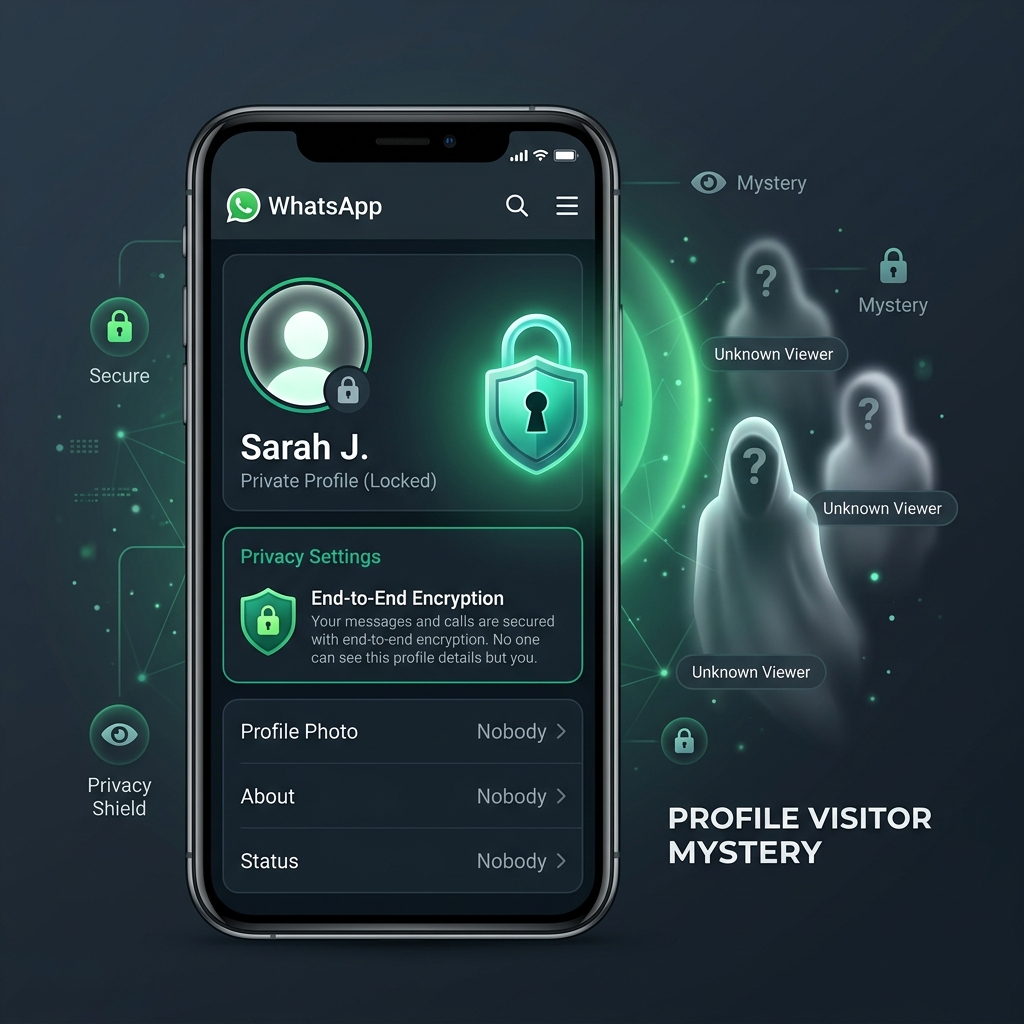 WhatsApp profile architecture prioritizes user anonymity by blocking profile visitor tracking and inspection logs.
 Can You See Who Viewed Your WhatsApp Profile?
The direct answer is no. You cannot see who viewed your WhatsApp profile. WhatsApp does not record profile visits, nor does it maintain an active visitor log anywhere inside the mobile or web interface.
Whether a contact opens your chat header, taps your name to view your status message, or opens your bio information, WhatsApp operates without sending view notifications to your device. This intentional architectural choice protects user browsing privacy across all operating systems.
When you open another person's contact card, WhatsApp does not notify them either. The browsing experience is completely private by design, ensuring that navigating through your contact list creates zero digital footprints on remote devices.
Does WhatsApp Have a Profile View History?
WhatsApp does not feature any profile view history log. Unlike professional networking platforms such as LinkedIn, which notify members when someone inspects their account page, WhatsApp treats profile cards as local UI elements.
When a contact opens your conversation thread or taps your profile header, their device requests updated text strings and image files from WhatsApp content delivery networks. However, WhatsApp backend servers discard these fetch request timestamps immediately after delivering the media assets.
Because servers do not index profile viewing actions into user databases, no profile view history exists anywhere in WhatsApp's infrastructure. No settings toggle, hidden menu, or software update will ever display a past viewer list.
Does WhatsApp Notify You When Someone Views Your Profile?
WhatsApp never sends push notifications, system pop-ups, or banner alerts when someone views your profile. You will never receive an alert saying that a specific contact looked at your account information or inspected your details.
Notification push queues on iOS and Android are reserved exclusively for incoming chat messages, active voice or video calls, direct group mentions, and status updates. Profile card openings do not trigger push notification payloads.
Even if someone opens your contact profile fifty times in a single day, WhatsApp treats each open event as an unrecorded client-side screen render. You will receive zero notifications regarding their browsing activity.
Can You See Who Viewed Your WhatsApp Profile Picture?
You cannot see who viewed or expanded your WhatsApp profile picture. When a contact taps your circular profile photo thumbnail to view it full-screen, WhatsApp displays the cached image file locally on their screen.
In older versions of WhatsApp prior to 2019, users could save profile photos directly to device photo galleries. While WhatsApp removed the direct save button for personal photos to enhance security, it did not introduce profile photo view tracking.
Viewing a full-size profile photo is an isolated UI event. The app renders the high-resolution image asset without transmitting a view receipt back to the account holder.
Technical breakdown illustrating how WhatsApp handles different user actions across backend servers and client user interfaces.
Action: Contact opens your bio or profile page.
Server Event: Fetches cached text. Event discarded instantly.
User Visibility: 0% Visible (Completely Private)
Action: Contact taps avatar to view full image.
Server Event: Transmits image file payload.
User Visibility: 0% Visible (No Alerts Sent)
Action: Contact taps temporary 24h status story.
Server Event: Writes view timestamp to story database.
User Visibility: 100% Visible (Viewer List Shown)
Action: Contact opens chat thread to read text message.
Server Event: Syncs double blue checkmark state.
User Visibility: Visible if Read Receipts Enabled
What Can WhatsApp Actually Tell You About Profile Visitors?
While WhatsApp blocks profile visitor logs, it does provide specific metadata and activity indicators for other interactive features inside the application.
Understanding the technical boundaries between profile views, status updates, and message read receipts prevents confusion about what information is visible to contacts on your list.
Can You See Who Viewed Your WhatsApp Status?
Yes, you can see who viewed your WhatsApp status updates. Unlike static profile photos and bio cards, WhatsApp Status is designed as an interactive broadcasting feature similar to Instagram Stories.
When you post a text, photo, or video update to your WhatsApp Status tab, the application records every contact who opens and watches your post. An eye icon displays at the bottom of your status screen, revealing the exact list of viewers along with timestamps.
However, status view tracking relies directly on read receipts. If a contact turns off read receipts in their privacy settings, their name will not appear in your status viewer list even if they open and view your update.
Can Read Receipts Show Who Viewed Your Profile?
No, read receipts have no connection to profile views. Read receipts only control the blue checkmarks that appear next to chat messages and viewer lists for Status updates.
Disabling read receipts stops blue checks from appearing when you read incoming messages and prevents your name from appearing on status view logs. However, turning read receipts on or off does not reveal profile visitors or log photo expansion events.
For detailed steps on adjusting visual identity settings and photo access permissions, consult our complete WhatsApp profile picture guide to configure your preferences.
Can Third-Party Apps Show Who Viewed Your WhatsApp Profile?
The internet is filled with advertisements promoting third-party Android APKs, browser extensions, and iOS tools that claim to unlock hidden WhatsApp profile visitors.
These tools target curious users looking for visitor logs. However, technical analysis confirms that every single third-party profile viewer utility is entirely fake, misleading, or dangerous.
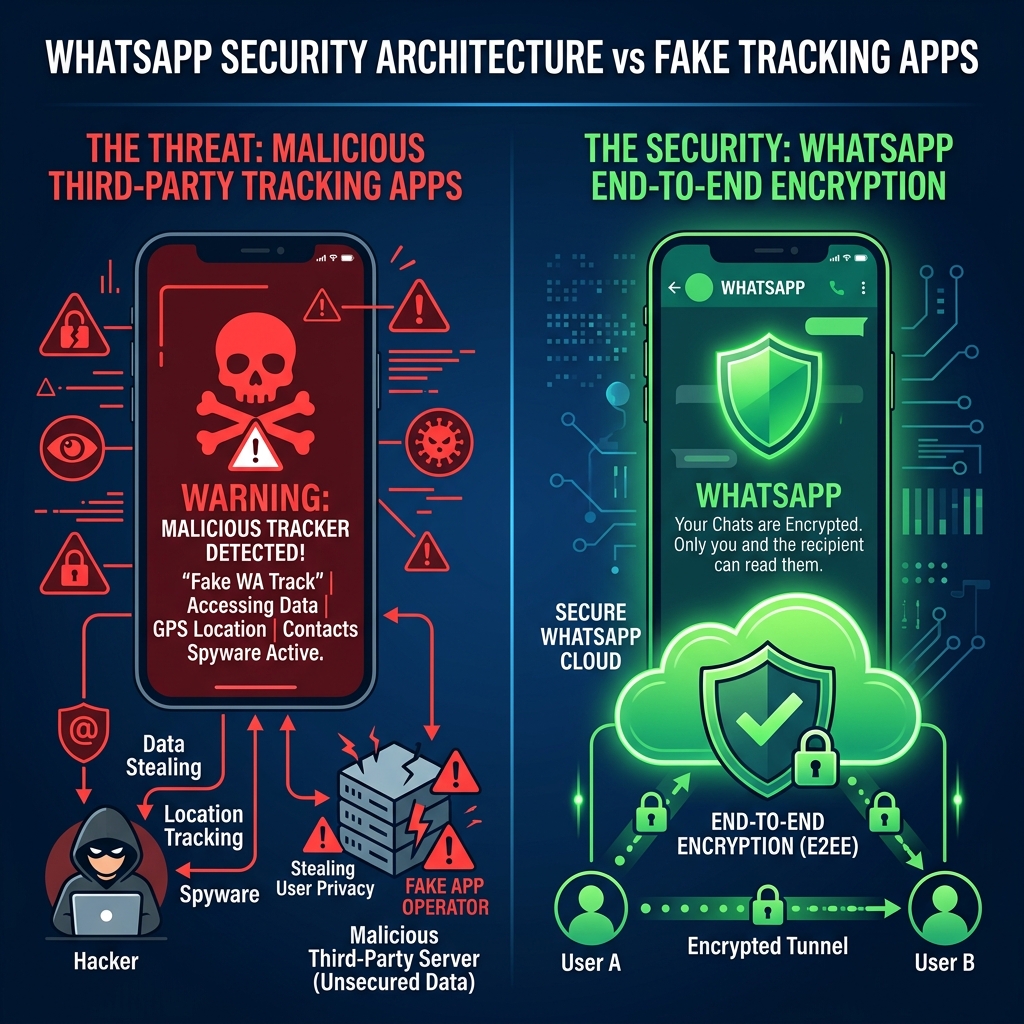 Third-party profile tracking apps use fake interfaces to deceive users and harvest personal device data.
 Can WhatsApp Profile Viewer Apps Really Work?
No, third-party profile viewer apps cannot work. It is mathematically and technically impossible for an external application to track who views your WhatsApp profile.
Because WhatsApp servers do not record profile viewing logs, there is no remote data log for external software to access or download. Profile viewer applications generate randomized lists of contacts from your address book to create the illusion of real-time tracking.
Testing these apps reveals that their viewer lists change randomly every time you open the screen, displaying contacts you haven't spoken to in years alongside active chats.
Why Can't Third-Party Apps See Your Profile Visitors?
WhatsApp utilizes end-to-end encryption protocols and protected application programming interfaces (APIs). WhatsApp's privacy framework strictly limits access to account server telemetry.
For an app to monitor your profile visitors, it would need direct access to WhatsApp's core data centers or access to operating system memory on other users' private smartphones.
Neither iOS nor Android permits one mobile app to read background activity data from another sandboxed app. Without root-level access to millions of remote devices, third-party profile tracking remains an absolute technical impossibility.
Are WhatsApp Profile Viewer Apps Safe to Use?
Third-party profile viewer apps are dangerous to install and use. Downloading unverified tracking tools exposes your smartphone to severe security risks and account compromise.
Most profile tracker apps force users to grant aggressive permissions, including access to contact lists, internal storage, SMS messages, and device camera functions. Many require logging into your WhatsApp account using QR codes or phone numbers, enabling scammers to hijack your session.
Additionally, installing unauthorized modded clients like WhatsApp Plus or GBWhatsApp violates WhatsApp Terms of Service, triggering permanent account bans on your phone number.
Analysis of common deceptive tactics used by fake profile tracking software and their associated security hazards.
Apps prompt users to scan web QR codes or input OTP codes, allowing attackers to take control of private chat histories.
Applications force users to watch endless ads or pay weekly subscriptions to unlock fake, randomized contact lists.
Unverified APK files downloaded from third-party sites often contain keyloggers, banking Trojans, or spyware binaries.
Connecting your account to unauthorized scrapers triggers automated detection systems, leading to temporary or permanent bans.
How to Protect Your WhatsApp Profile Privacy
While you cannot see who views your profile, you maintain total authority over who can inspect your account details. WhatsApp provides built-in privacy controls to restrict visibility across your profile photo, bio description, last seen timestamp, and online status.
Configuring these native settings ensures that unauthorized contacts, strangers, and unknown phone numbers cannot inspect your profile elements or track your active messaging habits.
How to Control Who Can See Your Profile Picture
WhatsApp lets you customize who can see your profile photo thumbnail and full-size image. You can choose between four distinct privacy tiers depending on your security preferences.
To modify photo visibility, navigate to WhatsApp Settings > Privacy > Profile Photo. You can select Everyone (visible to anyone who saves your number), My Contacts (restricted to saved phone numbers), My Contacts Except... (blocks specific individuals while allowing remaining contacts), or Nobody (masks your photo for all users).
How to Control Who Can See Your About Information
Your About section displays your text bio, status quotes, or availability notes. Strangers often check this field to verify account ownership before sending messages.
To protect your bio text, open Settings > Privacy > About. Set the visibility selector to My Contacts or My Contacts Except... to prevent unknown phone numbers from reading your personal descriptions.
How to Control Your Last Seen and Online Status
Your Last Seen timestamp reveals the exact minute you last closed WhatsApp, while your Online status displays active app usage. Stalkers often monitor these timestamps to deduce sleeping habits or work routines.
Open Settings > Privacy > Last Seen & Online. Set "Who can see my last seen" to Nobody or My Contacts Except... Then, under "Who can see when I'm online", select Same as Last Seen to hide your active presence across all conversations.
To explore advanced encryption and identity masking solutions across modern messaging infrastructure, read our comprehensive breakdown of the WhatsApp privacy key architecture.
How to Block Someone on WhatsApp
If a specific contact is harassing you or repeatedly checking your status updates, blocking them instantly cuts off their access to your profile elements.
To block a contact, open their chat window, tap their top profile header, scroll to the bottom, and tap Block Contact. Once blocked, the user can no longer see your profile picture, read your About bio, view your status updates, or see your Last Seen status. Additionally, calls and chat messages sent by blocked contacts will never reach your device.
Recommended privacy settings configuration for maximum profile protection against unknown numbers and unwanted viewers.
Blocks unsaved numbers and random strangers from seeing or downloading your personal photo.
Prevents contacts from monitoring when you open WhatsApp or stay active late at night.
Ensures your daily photos and story updates are only visible to verified friends and colleagues.
Prevents contacts from seeing blue checks when you read messages or view their status updates.
WhatsApp Profile Views vs. Status Views
Confusion surrounding profile views often stems from how WhatsApp handles Status updates versus static profile information.
While both features display personal identity assets inside the app, their underlying data architectures serve completely different communication purposes.
Why Can You See Status Viewers but Not Profile Viewers?
WhatsApp Status updates are designed as active broadcast feeds. Because stories disappear after 24 hours, WhatsApp incorporates engagement analytics so creators can see who interacts with their content.
In contrast, your profile picture, bio description, and phone number are persistent account components. Tracking views on persistent account elements would create social friction, deter casual contact lookup, and compromise viewer privacy.
By enforcing complete anonymity for profile page inspection, WhatsApp ensures that users can search their contact list or verify identities without triggering awkward notifications.
Does Viewing Someone's Status Mean They Viewed Your Profile?
No. If a contact views your WhatsApp Status update, it only proves that they opened your story from their Status tab feed. It does not mean they tapped on your profile, inspected your bio, or expanded your profile picture.
Users frequently swipe through the Status tab consecutively, auto-playing updates from multiple contacts in sequence. A view on your status story is often the result of automated feed playback rather than an intentional profile inspection.
| Feature / Dimension | WhatsApp Profile Views | WhatsApp Status Views |
|---|---|---|
| View Tracking Available? | No (Completely Private) | Yes (Viewer List Logged) |
| Notification Alerts Sent? | Never | No (In-App List Only) |
| Impact of Read Receipts? | No Effect on Profile Views | Hides Viewers if Disabled |
| Third-Party Tracking Possible? | Impossible (Fake Apps) | Impossible |
| Duration of Visibility | Persistent (Until Changed) | Ephemeral (24 Hours) |
Frequently Asked Questions About WhatsApp Profile Views
Here are direct, definitive answers to the most common questions users ask regarding WhatsApp profile privacy, visitor logs, and account inspection capabilities.
Can Someone Know If I Viewed Their WhatsApp Profile?
No, nobody can know if you viewed their WhatsApp profile. WhatsApp does not record profile visits or notify account owners when someone opens their contact sheet or bio info.
Can Someone See How Many Times I Viewed Their WhatsApp Profile?
No. Whether you open a contact's profile card once or fifty times in a day, WhatsApp records zero view events. There is no frequency counter or viewing history log stored anywhere on servers.
Can Someone See If I Viewed Their WhatsApp Profile Picture?
No. Tapping a contact's circular profile photo to expand it into full-screen view is an unlogged client action. WhatsApp does not send notifications or view markers when images are expanded.
Can I See Who Viewed My WhatsApp Profile on iPhone?
No. iOS enforces strict privacy sandboxing that prevents tracking apps from monitoring background profile views. Neither native WhatsApp for iOS nor third-party App Store utilities can show profile visitors.
Can I See Who Viewed My WhatsApp Profile on Android?
No. WhatsApp for Android does not include profile view logging. Android APKs claiming to show profile visitors are fraudulent adware utilities that risk compromising your device security.
Does WhatsApp Show Who Viewed My Profile Picture?
No. WhatsApp does not track or display profile picture viewers. Profile photo expansion events are completely anonymous across all mobile devices and web platforms.
Can You Tell If Someone Is Stalking Your WhatsApp Profile?
No, you cannot directly tell if someone is inspecting your profile page. However, if an unknown number frequently views your public status updates or sends unprompted messages, you can restrict your privacy settings or block them.
Does Blocking Someone Stop Them From Viewing My Profile?
Yes. Blocking a user instantly prevents them from seeing your profile picture, bio description, last seen timestamp, online status, or status updates.
To learn more about how WhatsApp safeguards subscriber identities compared to alternative encrypted platforms, check out our full WhatsApp vs Telegram vs Signal privacy comparison.
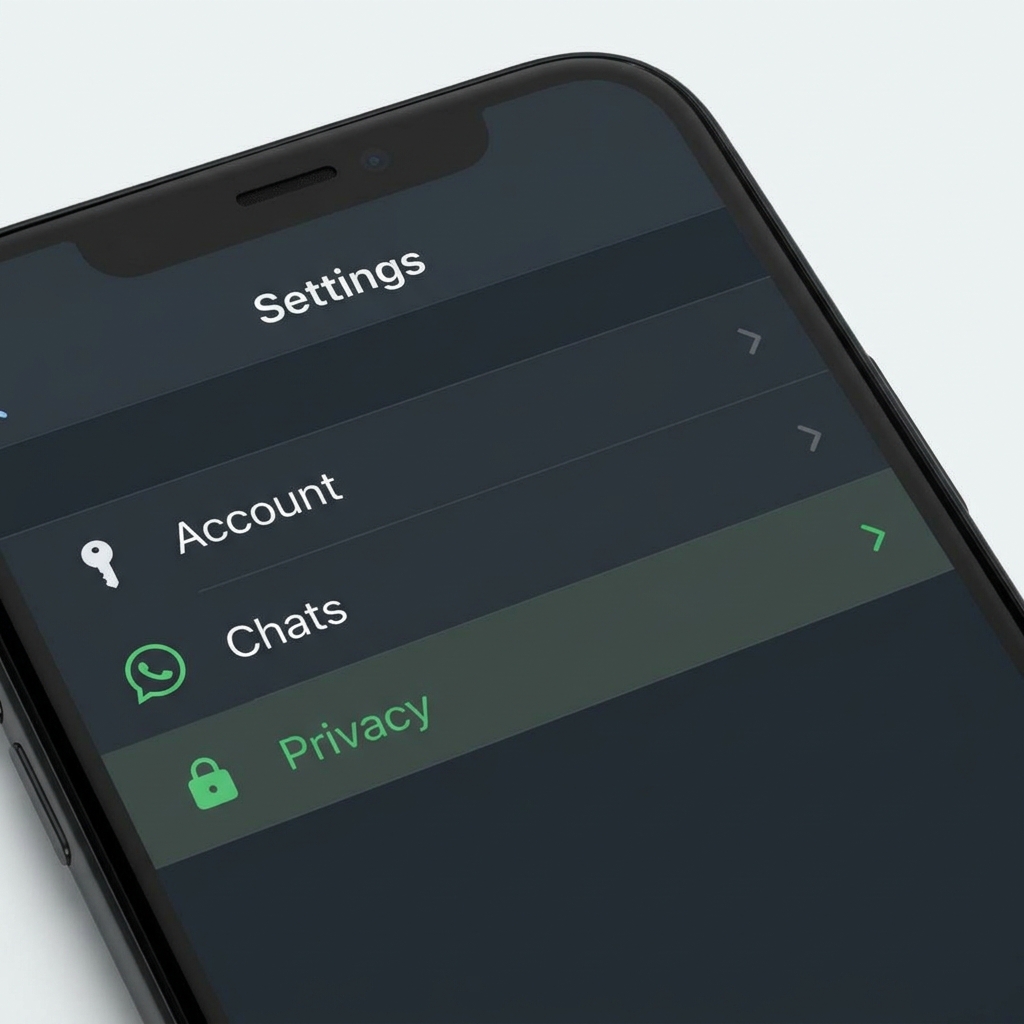 Enforcing granular privacy controls on WhatsApp protects your personal photo and account details from unauthorized exposure.