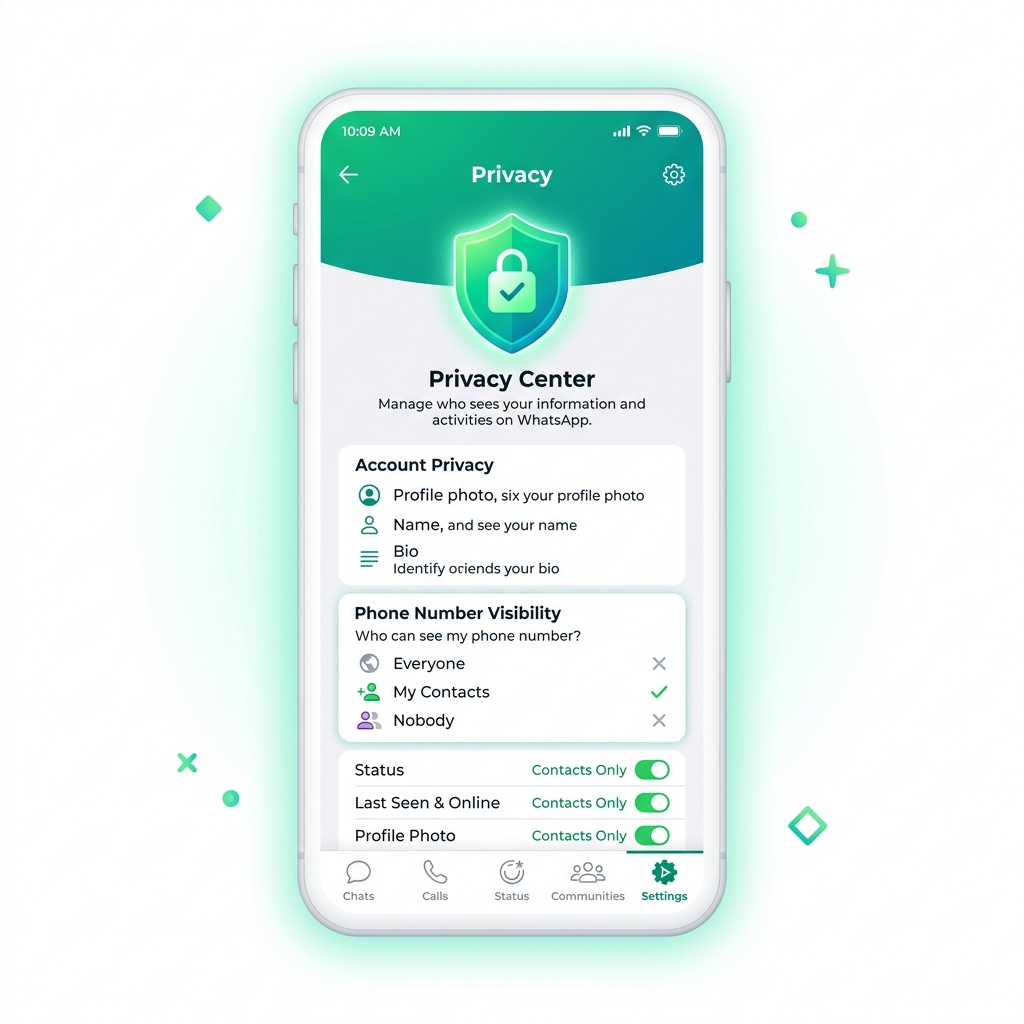
 Privacy
 Can People See Your Phone Number on WhatsApp?
Discover who can see your phone number on WhatsApp. Learn how group chats, communities, privacy settings, and usernames protect your phone privacy.
Get the latest WhatsApp username guides, tips, and feature updates delivered to your inbox.
You're subscribed!
Check your inbox for a confirmation. Welcome aboard!
We respect your privacy. Unsubscribe anytime.
A WhatsApp username is a unique handle that lets people find and message you without sharing their phone number. Meta built this username feature so you can connect and communicate with others on WhatsApp privately — on Android, iOS, and the iPad app. Here's everything you need to know about how it works, how to create one, the privacy upgrade it brings, and what the username key does to protect your identity.
A WhatsApp username is a unique identifier — like @yourname — that people use to find and message you on WhatsApp without needing your phone number.
WhatsApp is testing new ways to let people connect. With the username feature, every WhatsApp user can pick a handle through the Accounts Center. Once set, anyone can search for your username in the WhatsApp directory and start a conversation — without knowing your phone number.
The username feature works alongside your existing phone number. You still need a phone number to register, but you choose who sees it. As noted by WABetaInfo and reporters like Stan Schroeder, Matt Binder, and Shannon Connellan, this feature is available on Android, iOS, and the iPad app. WhatsApp is set to roll out the username feature to a very limited number of users before wider release over the coming months.
A phone number is tied to your SIM card and reveals personal information. A WhatsApp username is an alias you control. You can change it, hide your real number behind it, and share it publicly. Think of it like an email address versus a home address — one is made for sharing, the other you keep private.
Meta built the username feature to solve three real problems WhatsApp users face every day.
Every time you join a group or chat with a stranger, your phone number gets exposed. The username feature changes that. You can now connect and communicate with others without sharing their phone number. WhatsApp calls this a privacy upgrade — your number stays yours.
Before usernames, starting a conversation on WhatsApp always meant exchanging phone numbers. Now, the username key acts as a security layer. When someone searches your username, a system message confirms the connection — they see your name, not your number. This feature will allow users to connect safely with people they meet online, at events, or through business.
Sharing a phone number is awkward in public settings — on social media, business cards, or websites. A username is made to be shared. Put it on Instagram or Facebook, print it on flyers, add it to your email signature. People can reach you on WhatsApp instantly without saving a number first. And through Accounts Center, you can reserve the same username across Meta platforms.
Setting up your WhatsApp username takes less than a minute. Here's how to do it on Android and iOS.
Tap the three-dot menu (Android) or Settings tab (iOS) to open your WhatsApp settings panel.
Tap your name or profile photo at the top of the settings screen to access your profile details.
Look for the Username option below your profile name. Tap it to open the username editor.
Type your desired username. WhatsApp checks availability in real time. If it's available, tap Save. Your username goes live immediately — people can search and find you right away.
Add a dot: @sarah.designs
Add numbers: @sarah2025
Add a word: @sarahcreates
Check if already taken on Instagram or Facebook — use the same one through Accounts Center. Need inspiration? Browse 300+ WhatsApp username ideas and an availability guide.
Every username on WhatsApp must follow these character requirements. Try the live validator below to check if your username idea passes.
WhatsApp blocks usernames that impersonate others, contain offensive language, or use trademarked names. Some usernames may already have been taken on Instagram or Facebook and reserved through Accounts Center across Meta platforms. If a name of the feature usernames compatibility check fails, try a variation.
Each WhatsApp username is unique — no two users can have the same username. WhatsApp checks availability in real time as you type. If someone already has your preferred username, you'll need to pick a different one. Username reservation through Accounts Center means a username taken on Instagram or Facebook may also be unavailable on WhatsApp. To understand how namespaces differ, see how naming differs for brands in WhatsApp business username vs personal.
The username feature comes with built-in privacy controls. Here's how they work.
When someone finds you through your username, your phone number stays hidden. They see your profile name and photo — not your number. You control who sees your phone number in your privacy settings. This phone number privacy feature is the core of Meta's privacy upgrade.
The username key is a cryptographic token tied to your username. It verifies that you own the username and that messages come from the right account. If someone tries to impersonate your username, the security layer catches it. This is how WhatsApp maintains end-to-end encryption even with the username feature.
You decide who can message you through your username. WhatsApp gives you control over incoming conversations — you can choose to receive messages from everyone, or only from contacts. When someone new reaches out via your username, you see a system message with details about who they are. This lets you decide whether to continue the chat or block them. To get the most out of these settings, learn what the key does in our guide to the WhatsApp username key, and check whether someone can find you by your username.
The username feature works differently for different people. Pick your category.
To protect your digital presence, brands should reserve their WhatsApp username before the rollout deadline.
Here's exactly how usernames and phone numbers compare. Hover over each row to see the details.
Share your username publicly. Share your phone number only with people you truly trust. Your username is designed for open distribution — social media bios, websites, business cards. Your phone number is personal contact information that should stay private. With the username feature, you no longer need to choose between being reachable and being private.
How does WhatsApp's username feature compare to Signal, Instagram, or Facebook? Here's the breakdown.
Signal leads in raw privacy technology. But WhatsApp matches it on username privacy while offering a much larger user base of 2B+ people and cross-platform consistency across Meta platforms. For most users, WhatsApp's username feature delivers the right balance of privacy, convenience, and reach. The username key and phone number privacy controls put WhatsApp ahead of Instagram and Telegram on this front. If you want to secure matching handles, you can also claim your Instagram username on WhatsApp, and understand what the WhatsApp BSUID is.
Running into issues? Here are the most common username problems and how to fix them.
Why it happens: Someone else already claimed that username on WhatsApp. Or it's been taken on Instagram or Facebook and reserved through Accounts Center across Meta platforms.
Fix: Try adding a dot, number, or extra word. Check if the username works on other Meta platforms first. Use the validator above to test variations quickly.
Why it happens: The feature is rolling out gradually. WhatsApp is testing new beta features with a very limited number of users first. Your app version may not include it yet.
Fix: Update WhatsApp to the latest version on Android or iOS. Check WABetaInfo for rollout status. If you're on the iPad app, you may get it later. The feature is expected to reach everyone over the coming months.
Why it happens: WhatsApp may limit how often you can change your username to prevent abuse. Or there could be a temporary server issue.
Fix: Wait a few hours and try again. Make sure you have a stable internet connection. Check that your new username follows all character requirements. Restart the app and go back to Settings → Profile → Username.
Why it happens: Another WhatsApp user already has that exact username. With billions of potential users, popular usernames go fast. Usernames that have been taken on Instagram or Facebook may also be blocked.
Fix: Be creative. Add your profession, location, or a number. Use the same naming pattern you have on Instagram or Facebook for consistency. Remember: you want something people can remember and spell easily. Additionally, if strangers are messaging you, see how people find you by username and how to stop it.
An interactive look at how we create, publish, and deliver expert WhatsApp username content to help you master your digital identity.
We track WhatsApp updates, beta features, and official announcements from Meta daily.
Expert writers craft clear, step-by-step guides with real-world examples.
SEO optimization and search-friendly structure help our guides reach the right people.
Articles go live with interactive diagrams, screenshots, and comparison tables.
Readers ask questions, share success stories, and suggest new topics.
Feedback drives new articles and updates to keep content accurate and fresh.
Privacy Discover who can see your phone number on WhatsApp. Learn how group chats, communities, privacy settings, and usernames protect your phone privacy.
 Privacy
 Find out if you can see who viewed your WhatsApp profile. Discover how WhatsApp privacy architecture works, third-party app risks, status vs profile views, and security controls.
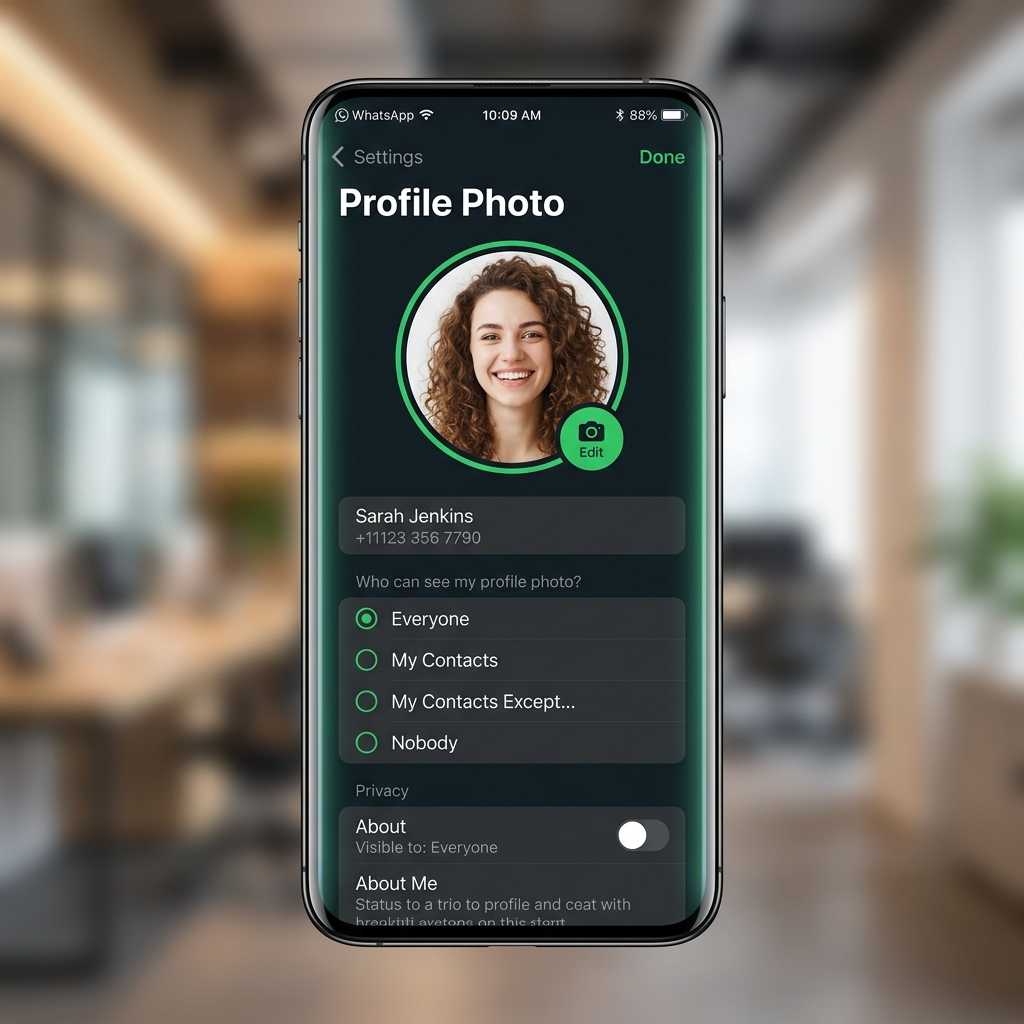 Guide
Guide Master your WhatsApp Profile Picture (PFP/DP). Step-by-step guide to set, change, crop, zoom, hide, and protect your profile photo for privacy.
Find exactly the guidance you need for your WhatsApp username journey.
Follow these guidelines to create a username that's memorable, professional, and uniquely yours.
wa.me/john.design Everything you need to know about WhatsApp usernames, answered clearly.